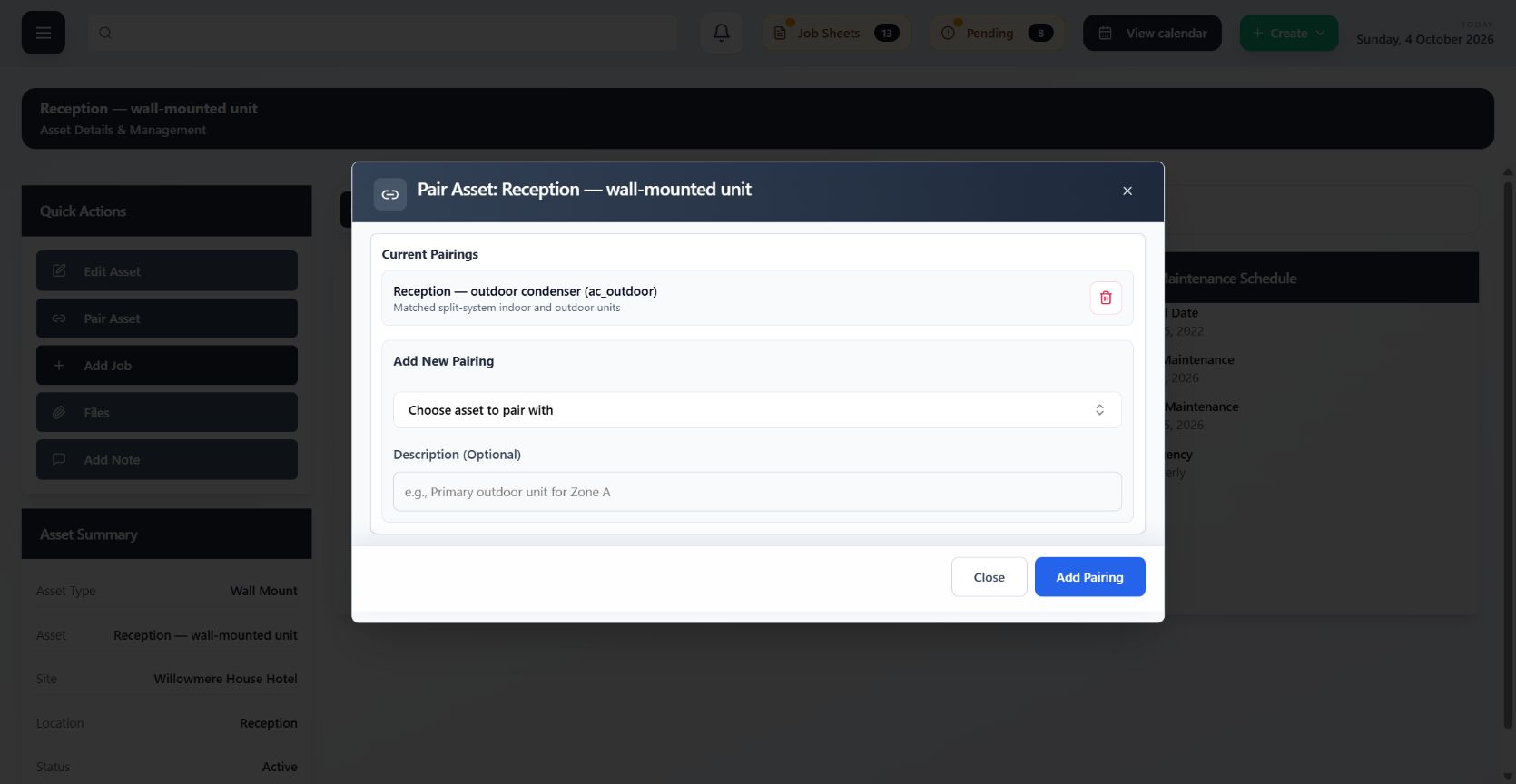
Faster Invoicing
Move completed work into office review with less chasing and reconstruction.
Submitted job sheets, evidence, signatures and visit details return against the same connected job. The office can see what was done, resolve any gaps and prepare the record for invoicing sooner.
- Completion records return against the right job
- Job sheets and evidence are ready for office review
- Less time spent chasing field information
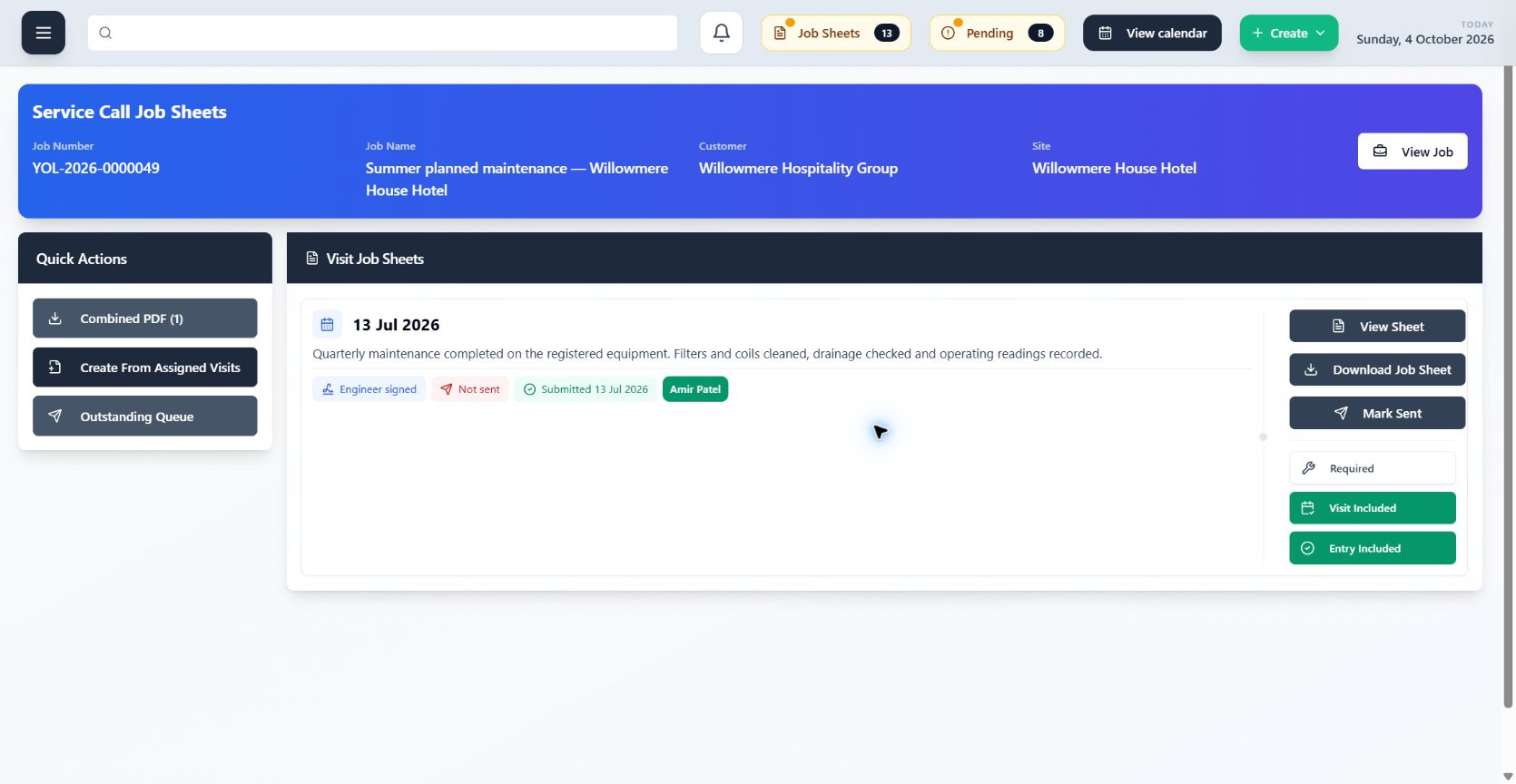
Accessible Asset and Site History
Understand the equipment and previous work before the next visit begins.
Open the customer site or individual asset to find the operational record around it. Past visits, service information, files and connected work remain easier to reach when the team needs context.
- Find service context from the site or asset
- Keep technical information attached to equipment
- Give future work the benefit of the existing record
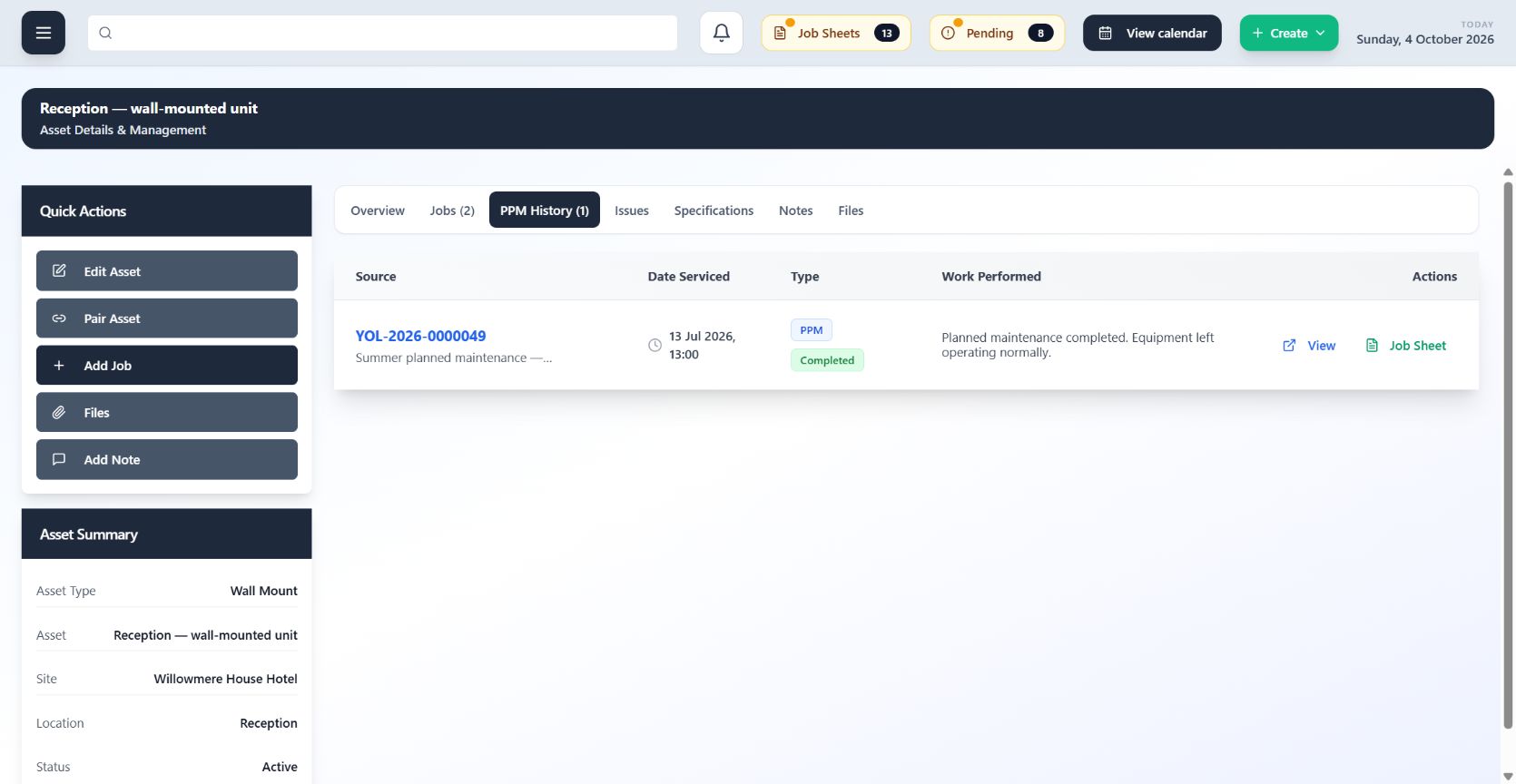
From Lead to Completion
Carry customer context from the first opportunity into the work that gets delivered.
Manage the lead and quote, convert won work into the appropriate operational workflow, then keep visits, field records and completion connected. Each handoff builds on the information already captured.
- Keep the commercial and operational journey connected
- Convert won work without rebuilding the customer record
- Follow delivery through visits and completion
Engineer Overview
See who is assigned, where they are expected and what work sits behind the visit.
Calendar and visit assignments give the office a shared view of engineer commitments. Open the connected work to understand the customer, site and job context behind each booking.
- View engineer commitments in the shared calendar
- See the work and site behind each visit
- Make assignment changes with the wider context visible
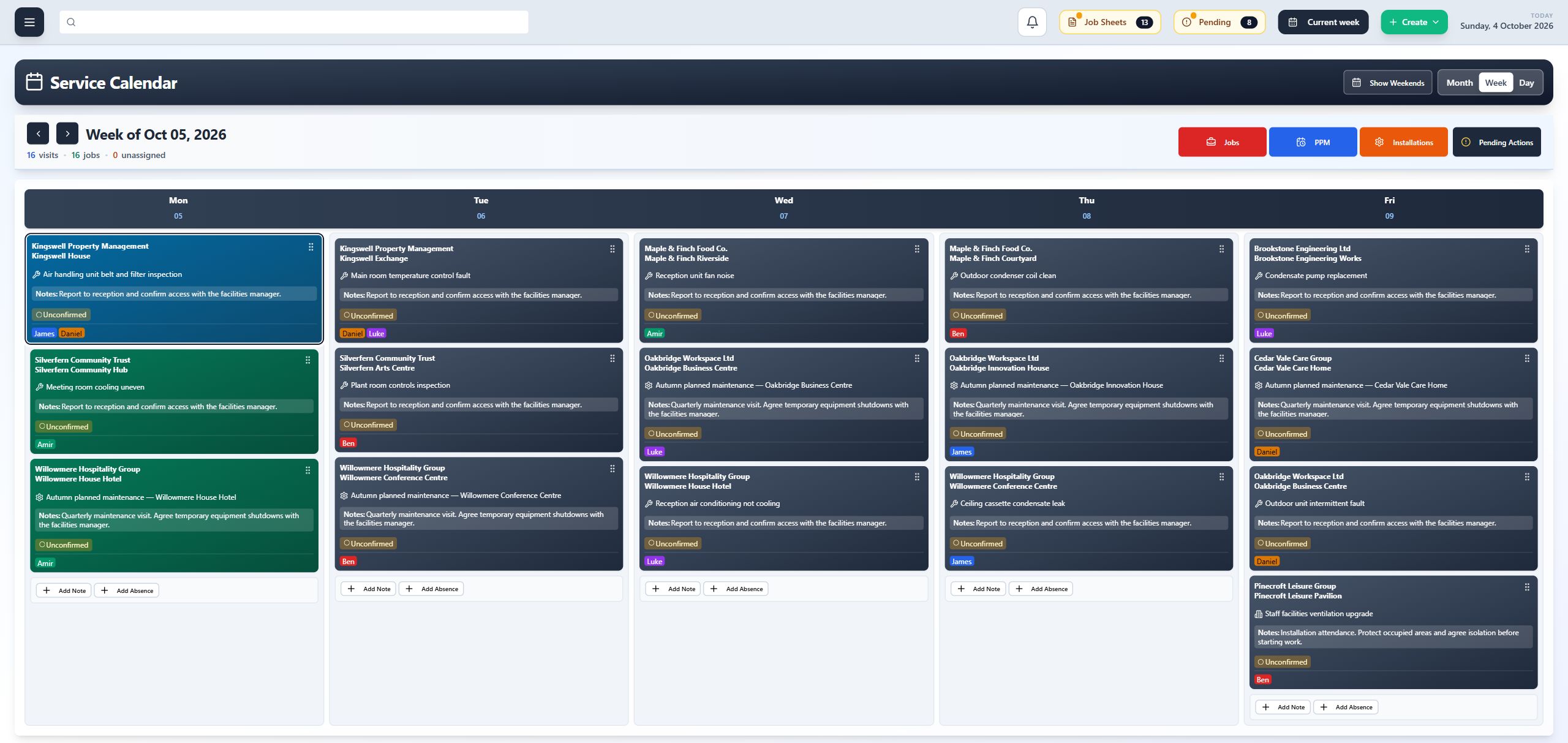
See What Happened… Fast
Get to the operational story without searching through disconnected tools.
Connected records and activity timelines bring notes, status changes, visits and supporting evidence into context. The team can understand what happened and decide what needs to happen next.
- Follow activity in a clear operational timeline
- Open supporting records without losing context
- Answer customer questions with better information
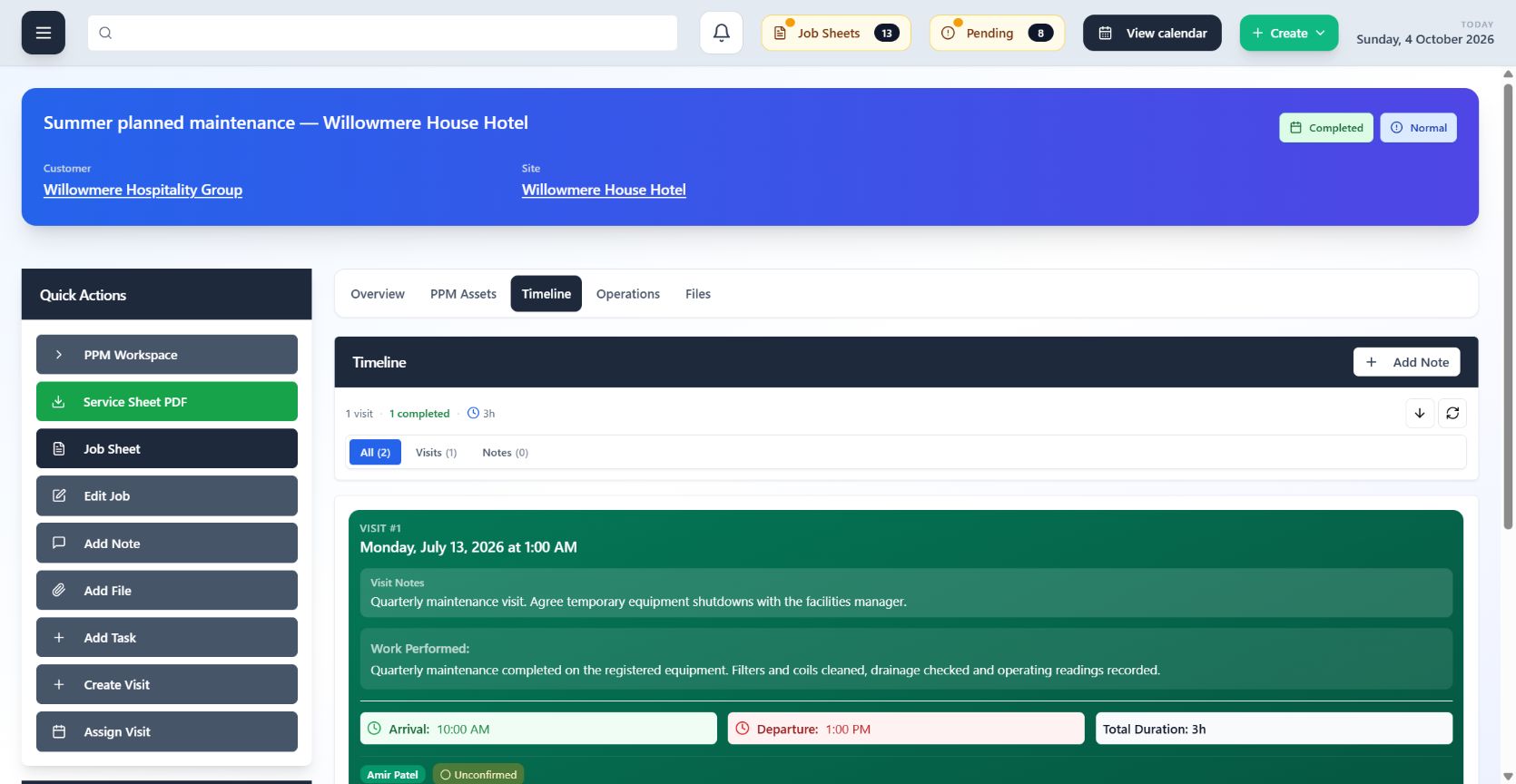
STATE
Know where the work stands and what needs attention next.
Clear statuses across opportunities, jobs, visits and job sheets help the team distinguish what is planned, in progress, submitted or complete. A shared understanding of state makes handoffs easier.
- Recognise the current status at a glance
- Separate completed work from outstanding action
- Reduce ambiguity between office and field teams
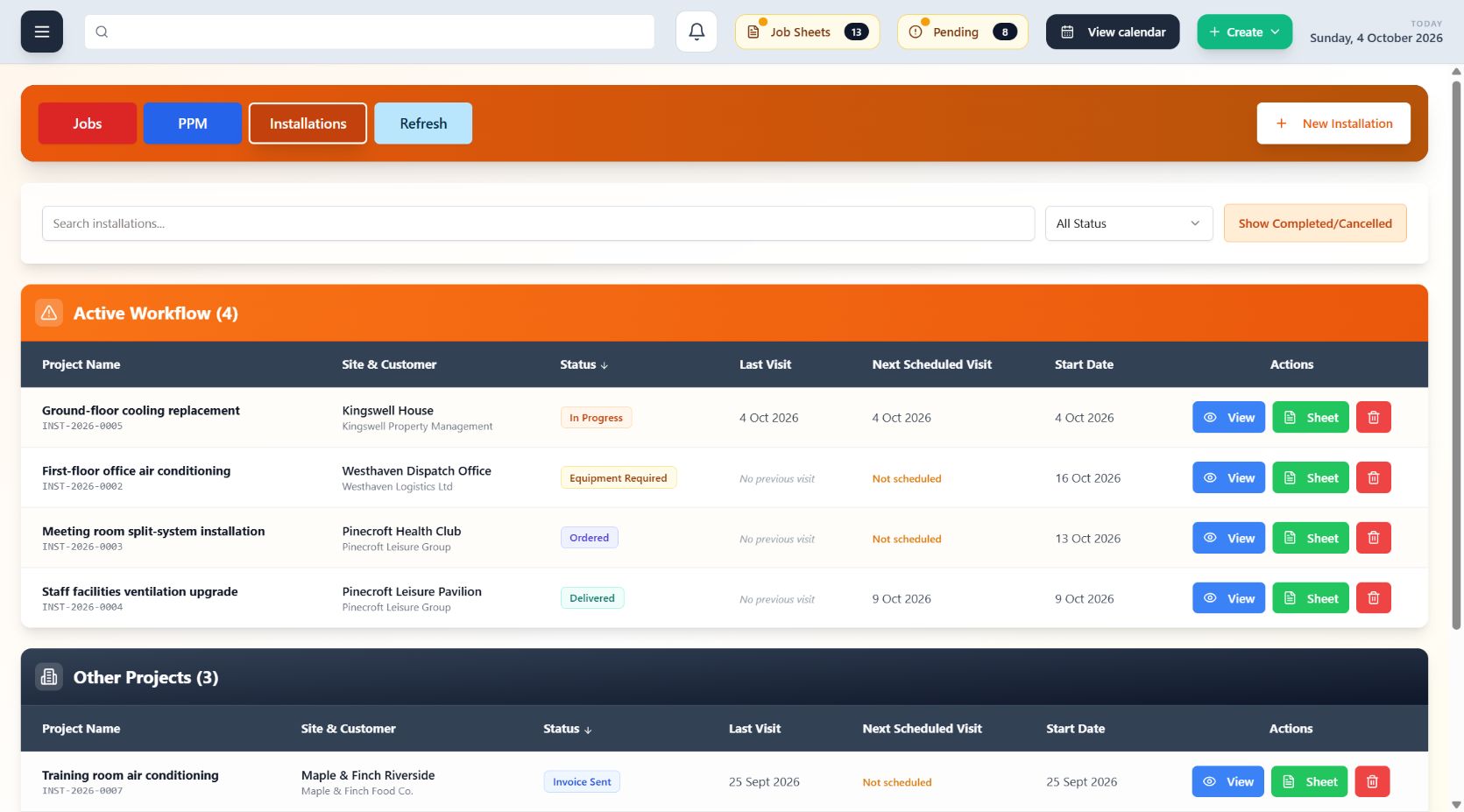
Faster Scheduling
Create and adjust visits while keeping the work and engineer context close by.
Schedule from connected jobs and maintenance work, assign the appropriate engineer and keep changes visible in the shared calendar. The office spends less time moving between records to build a workable plan.
- Schedule visits from connected work
- Assign engineers with the calendar in view
- Keep rescheduled work clear to the wider team
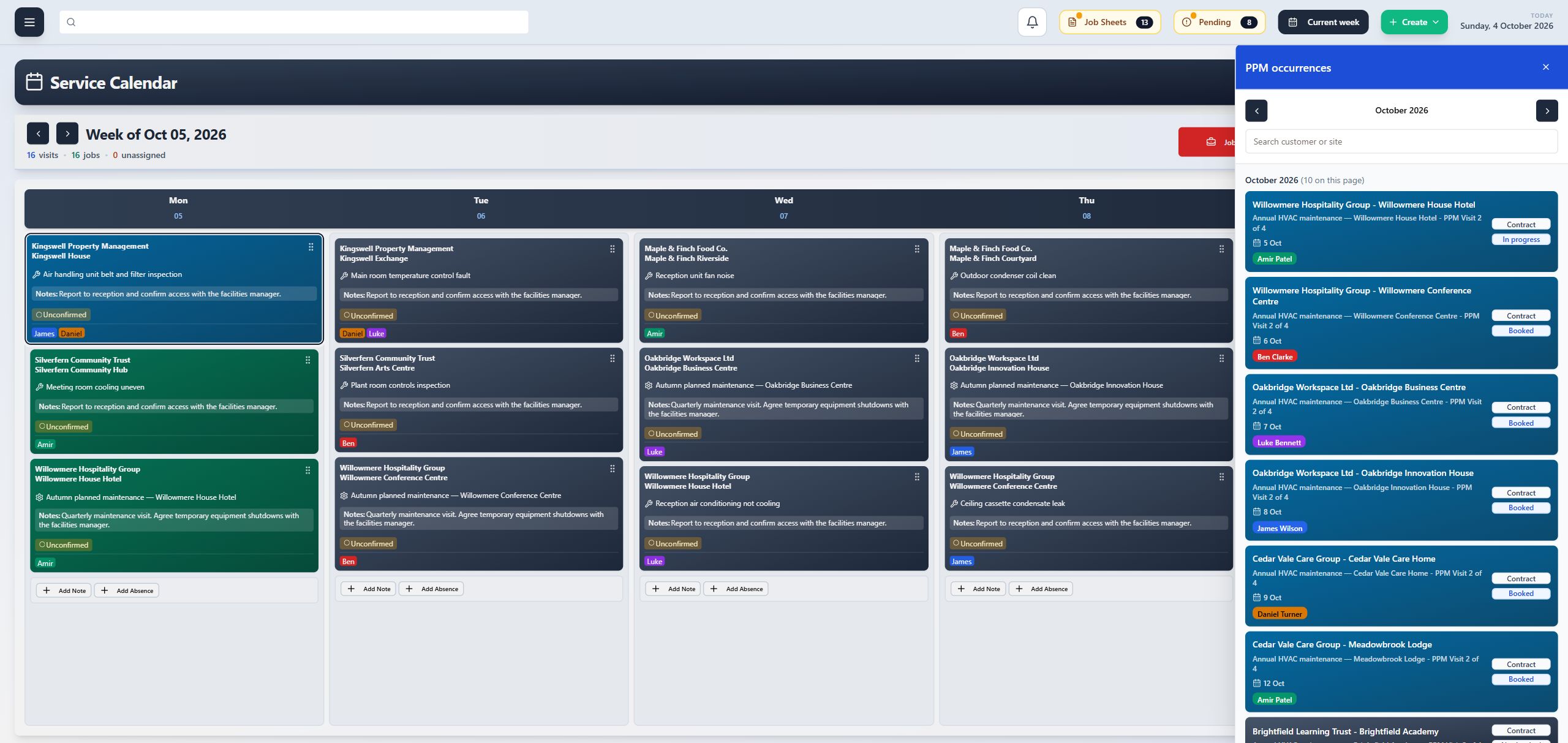
Custom Assets
Describe equipment in a way that reflects the systems your team actually maintains.
Configure useful asset structures and technical fields, organise equipment against the correct site and carry those details into service work. The asset register becomes a practical part of delivery rather than a static list.
- Shape asset types around the equipment you manage
- Capture useful technical and refrigerant information
- Connect each asset to its site and service record
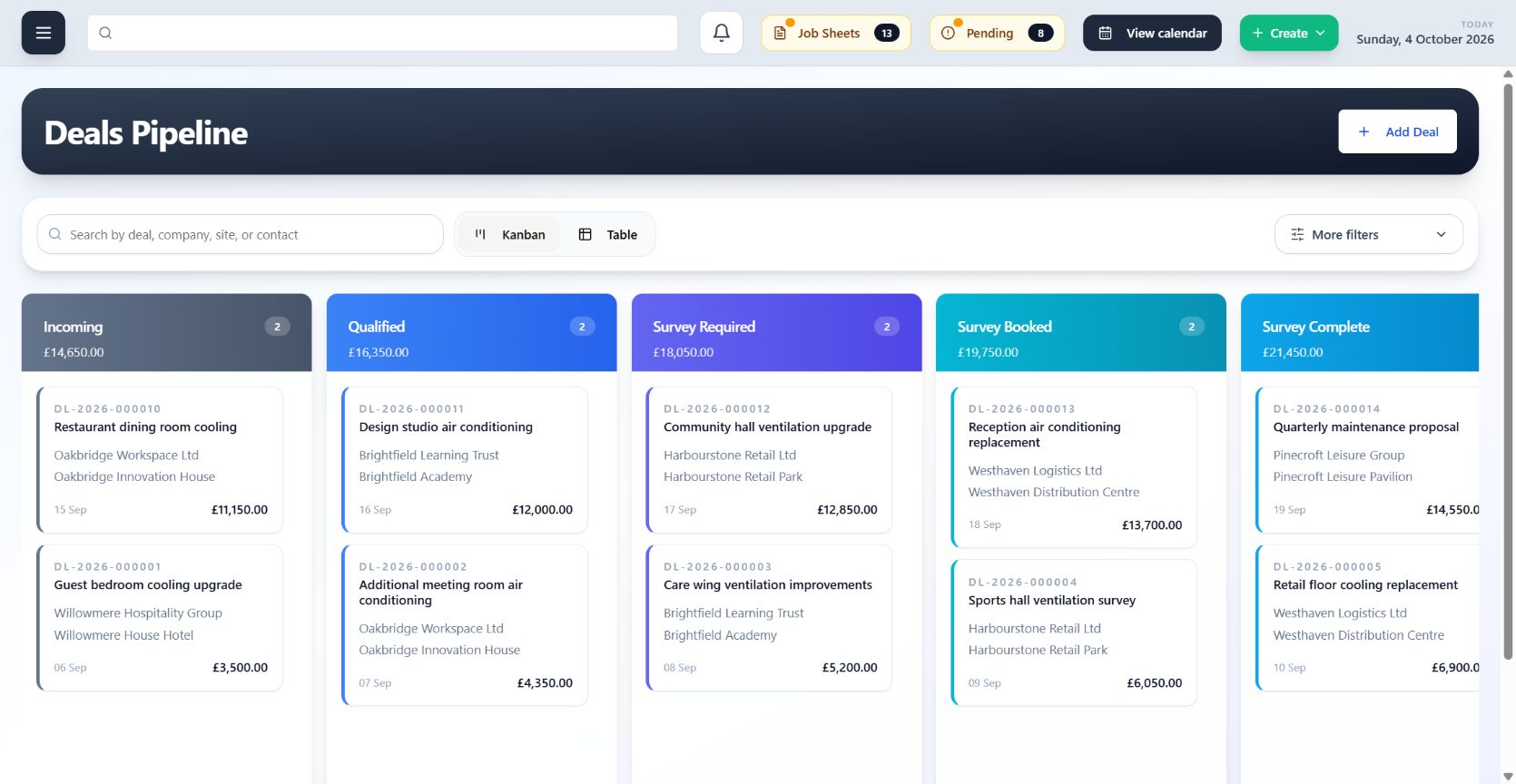
Asset Pairing
See how individual units connect as part of the wider air conditioning system.
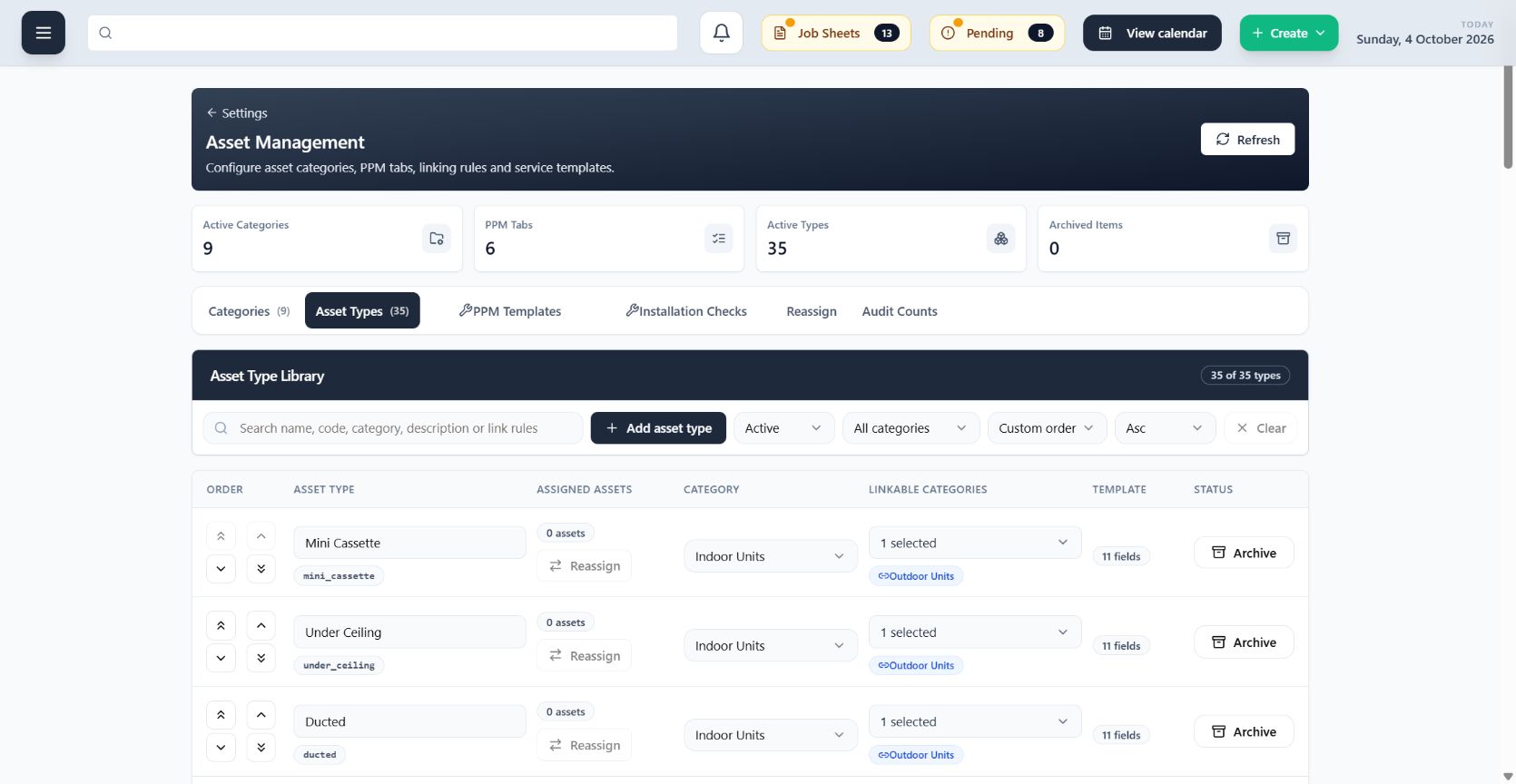
Pair related indoor, outdoor and system components so engineers can understand the equipment relationship before and during service work. Each unit keeps its own record while remaining connected to the system around it.
- Show the relationship between connected units
- Keep individual asset records within the wider system context
- Give engineers clearer equipment information on site