
01
Enquire & quote
Capture enquiries and prepare quotes with the customer’s requirements to hand.
Manage the whole customer journey in one place—from the first quote to scheduling engineers, delivering jobs and installations, and keeping customers coming back through ongoing maintenance.
Capture enquiries and prepare quotes with the customer’s requirements to hand.
Assign engineers and give them the job and site details they need.
Record work, readings and photos on site, with updates available to the office.
Review the completed work and send the customer their job sheet.
Built around the work
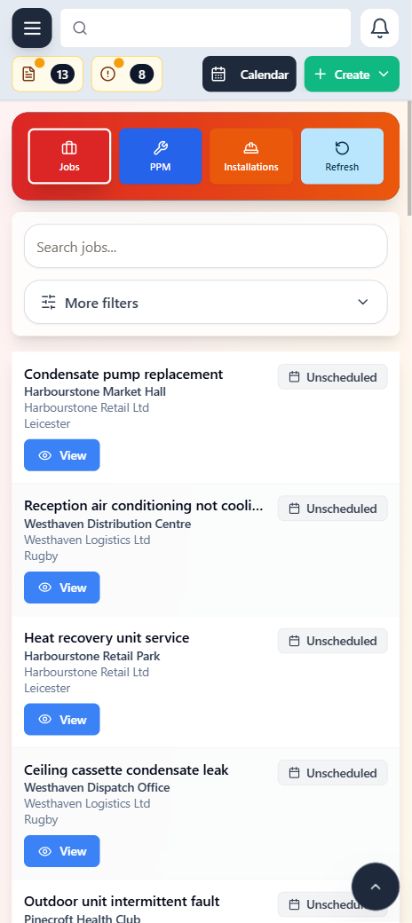
Book call-outs and give engineers the details they need before they arrive.
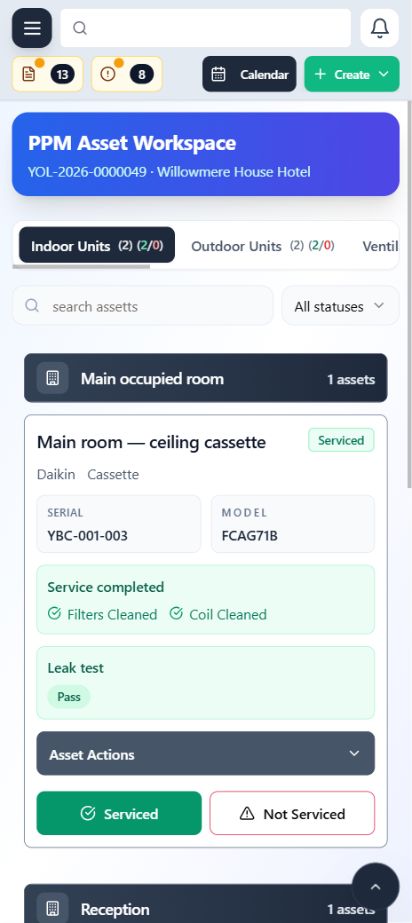
Plan service visits, track what’s due and keep each asset’s service history to hand.
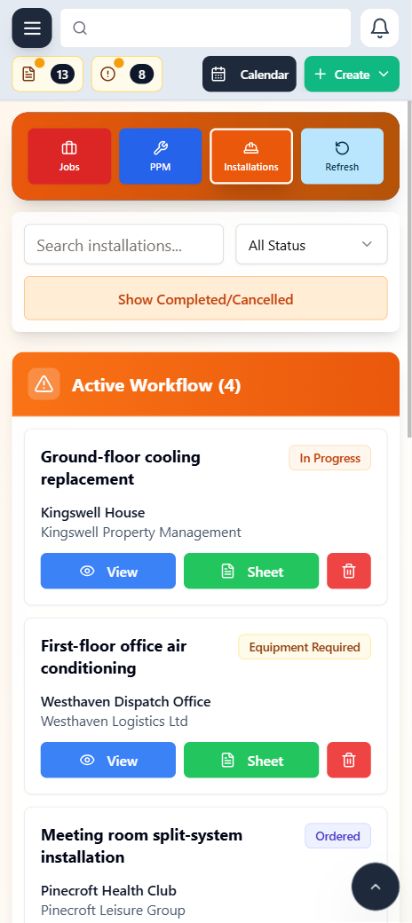
Manage installation work across multiple visits, with site details and progress in one place.
Scheduling
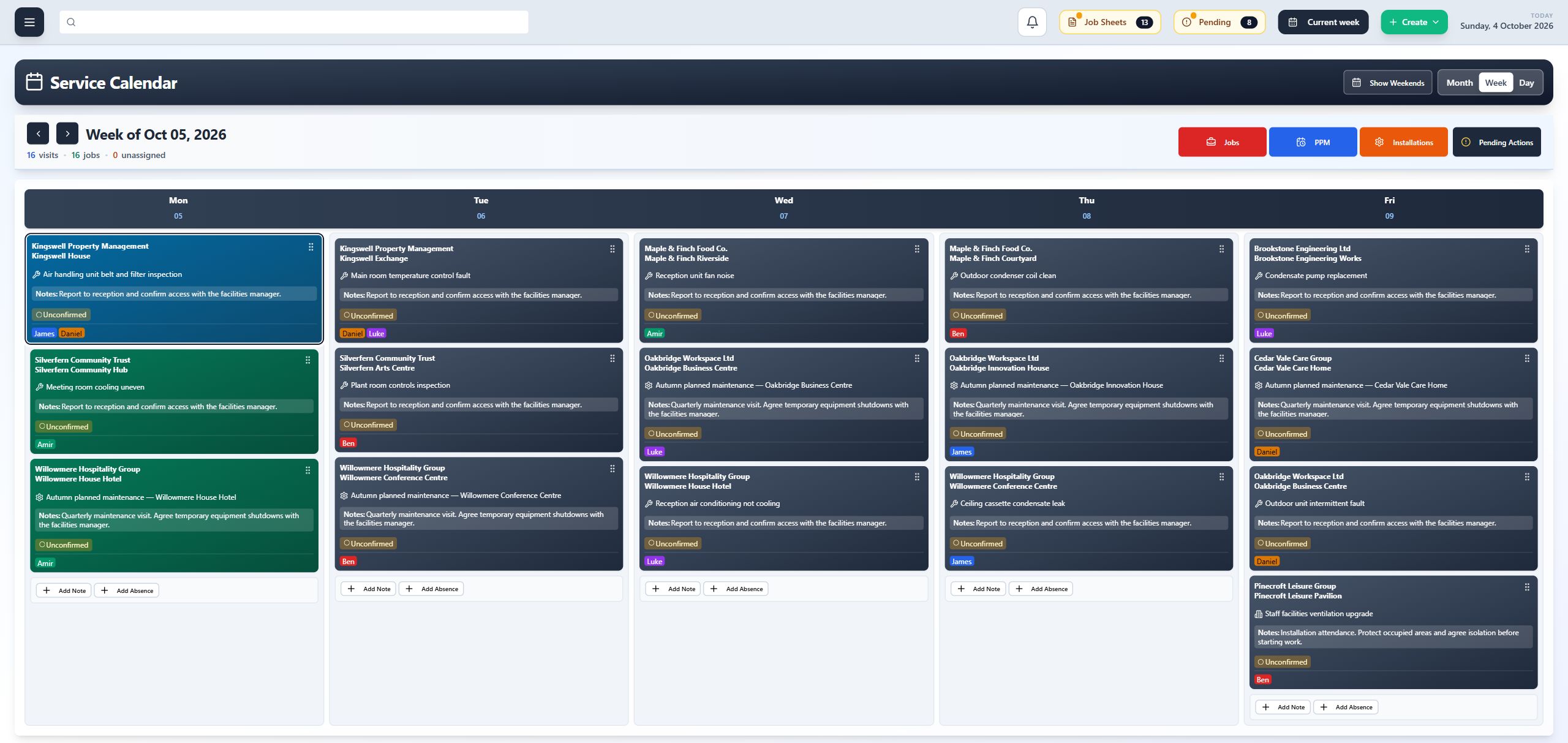
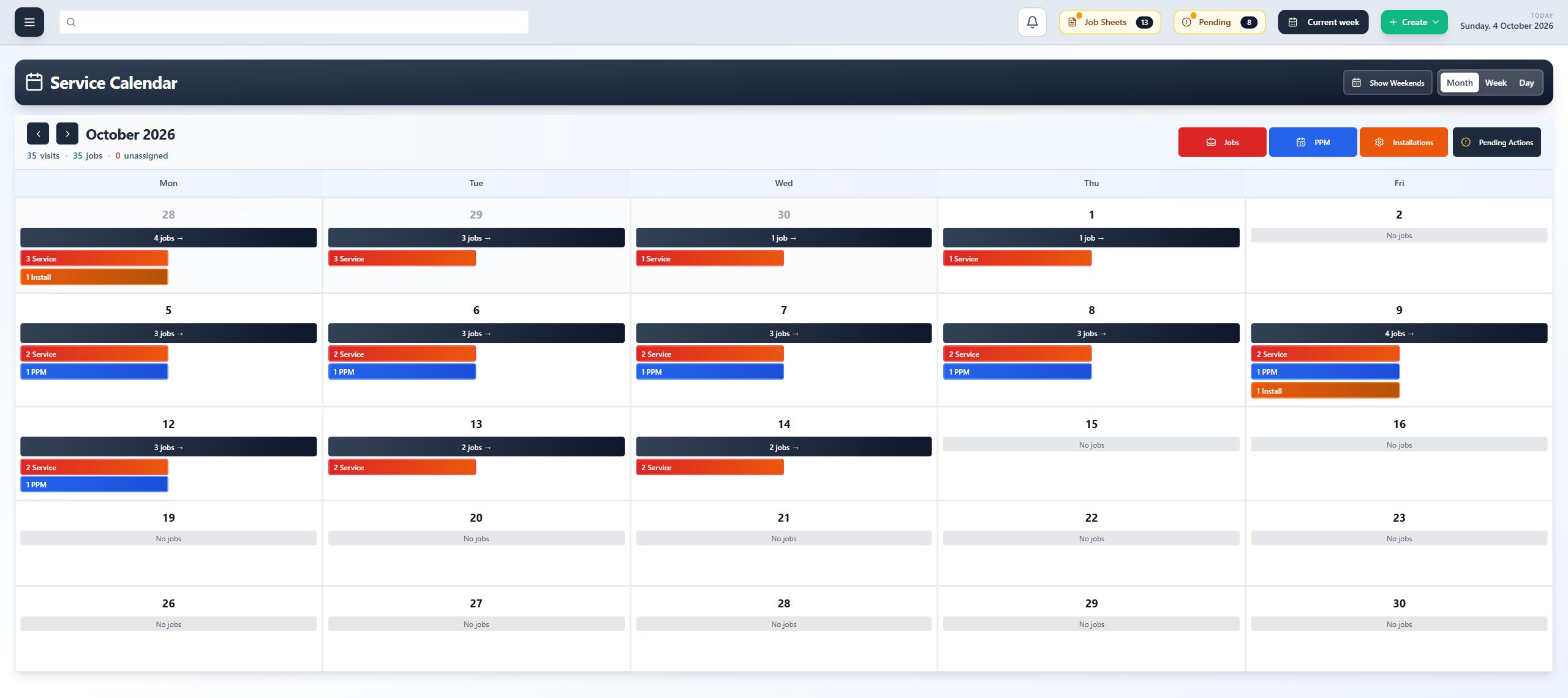
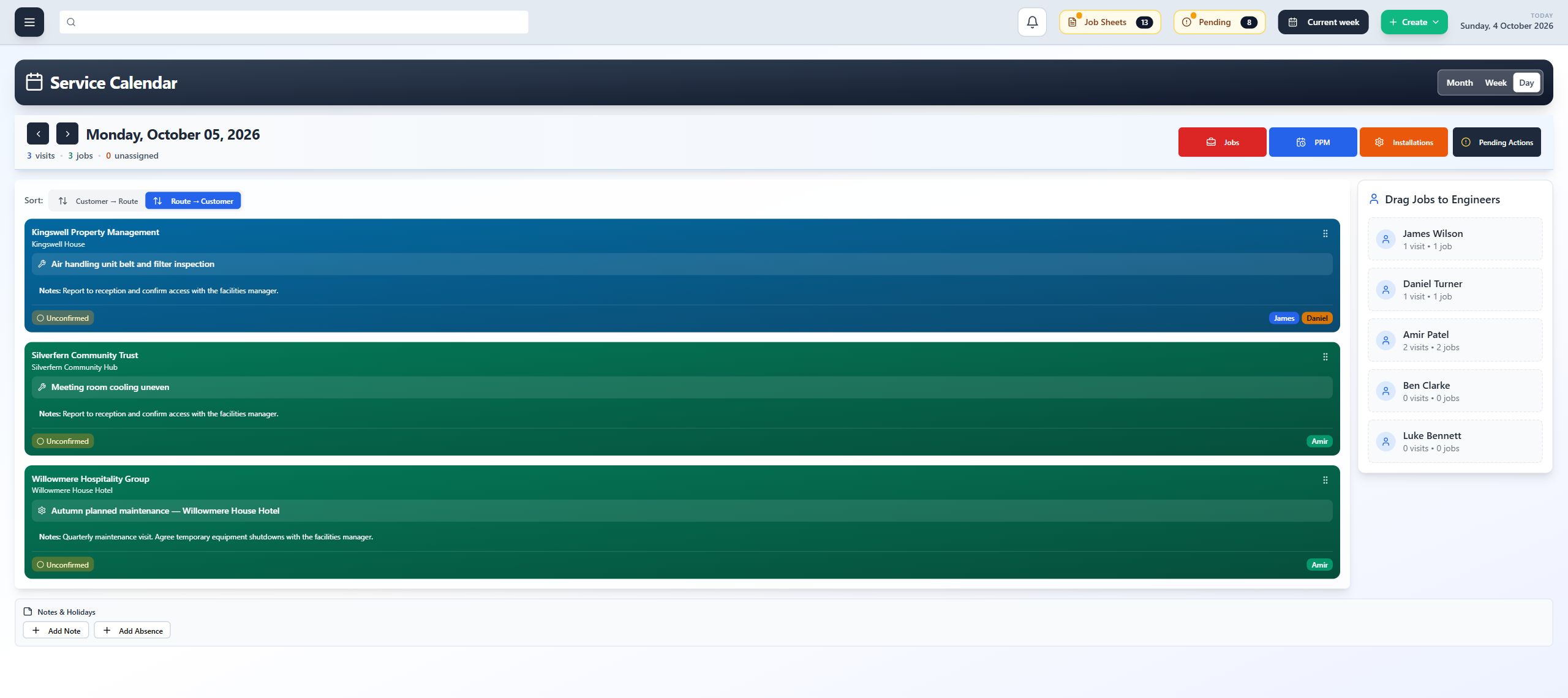
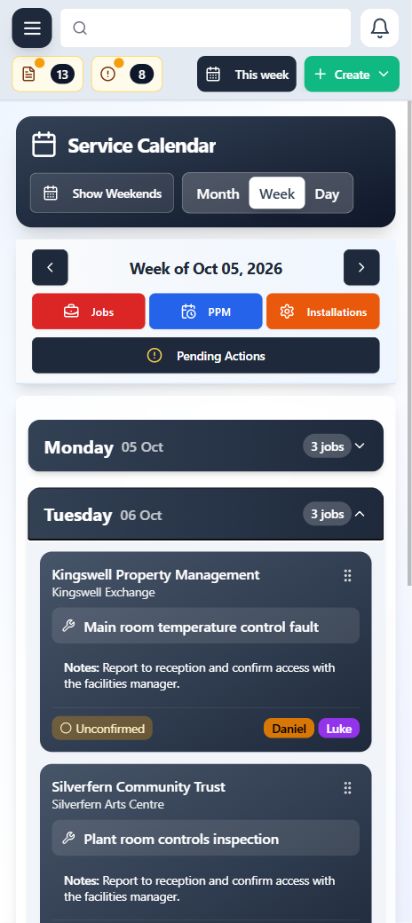
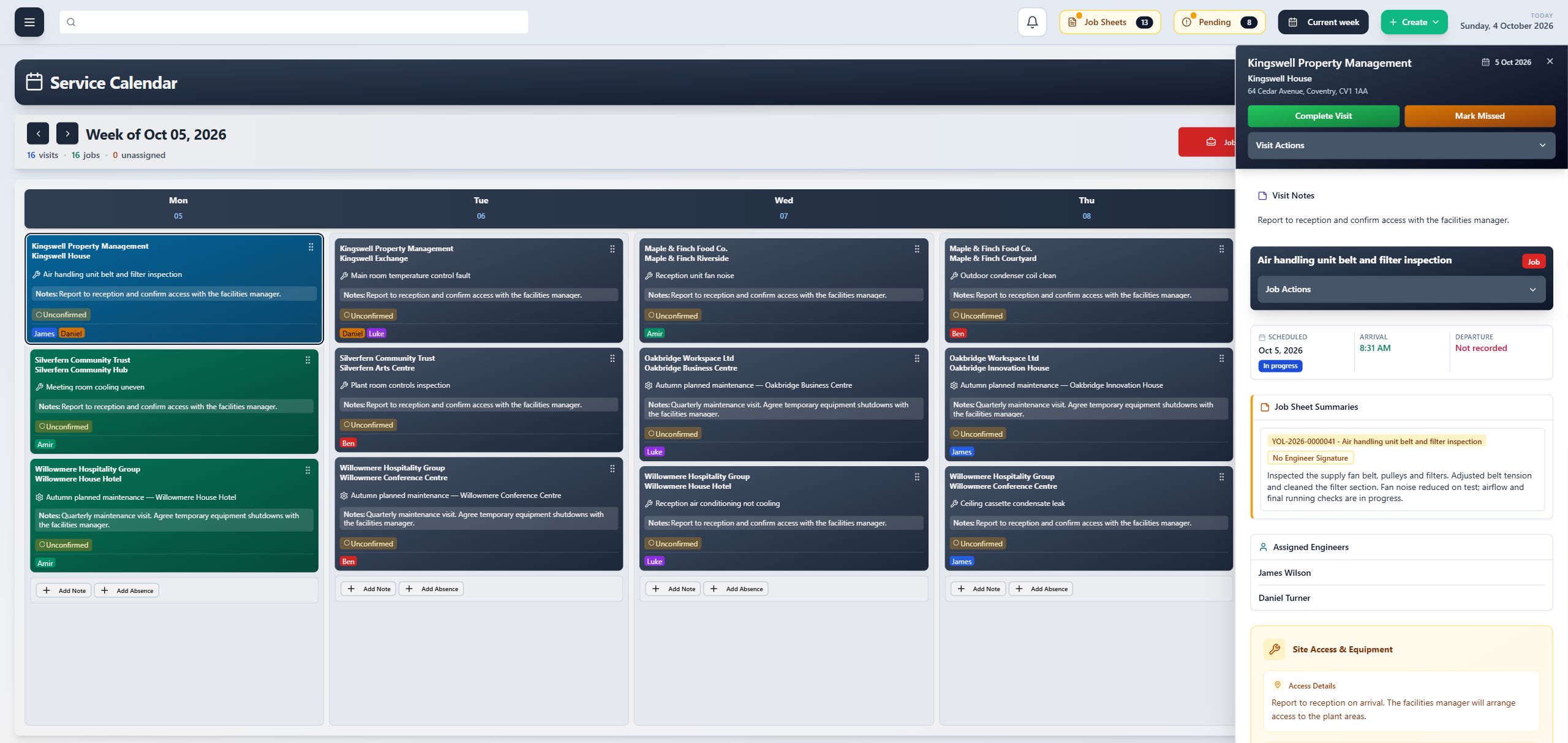
Bring reactive calls, planned maintenance and installation visits into one shared calendar.
On-site work
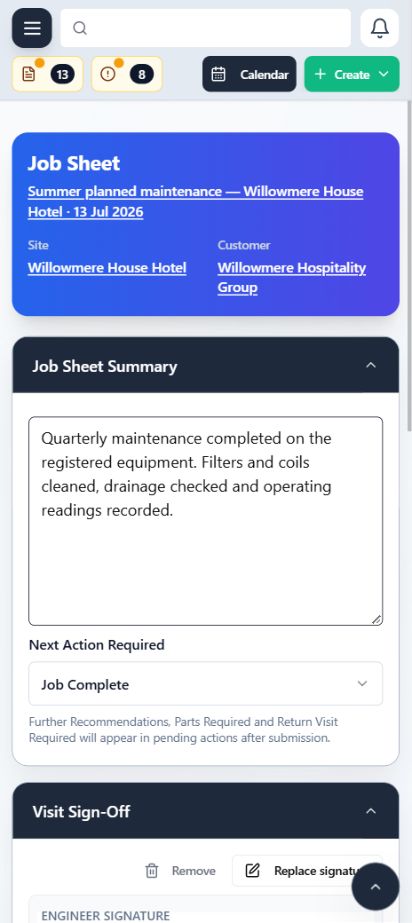
Engineers can check the job details and record their work on site, so the office has the information it needs to review the visit.
Customer, site and equipment information available with the visit.
Record the work carried out, readings, checks and photos.
Keep a record of previous work for the next visit.
Assets
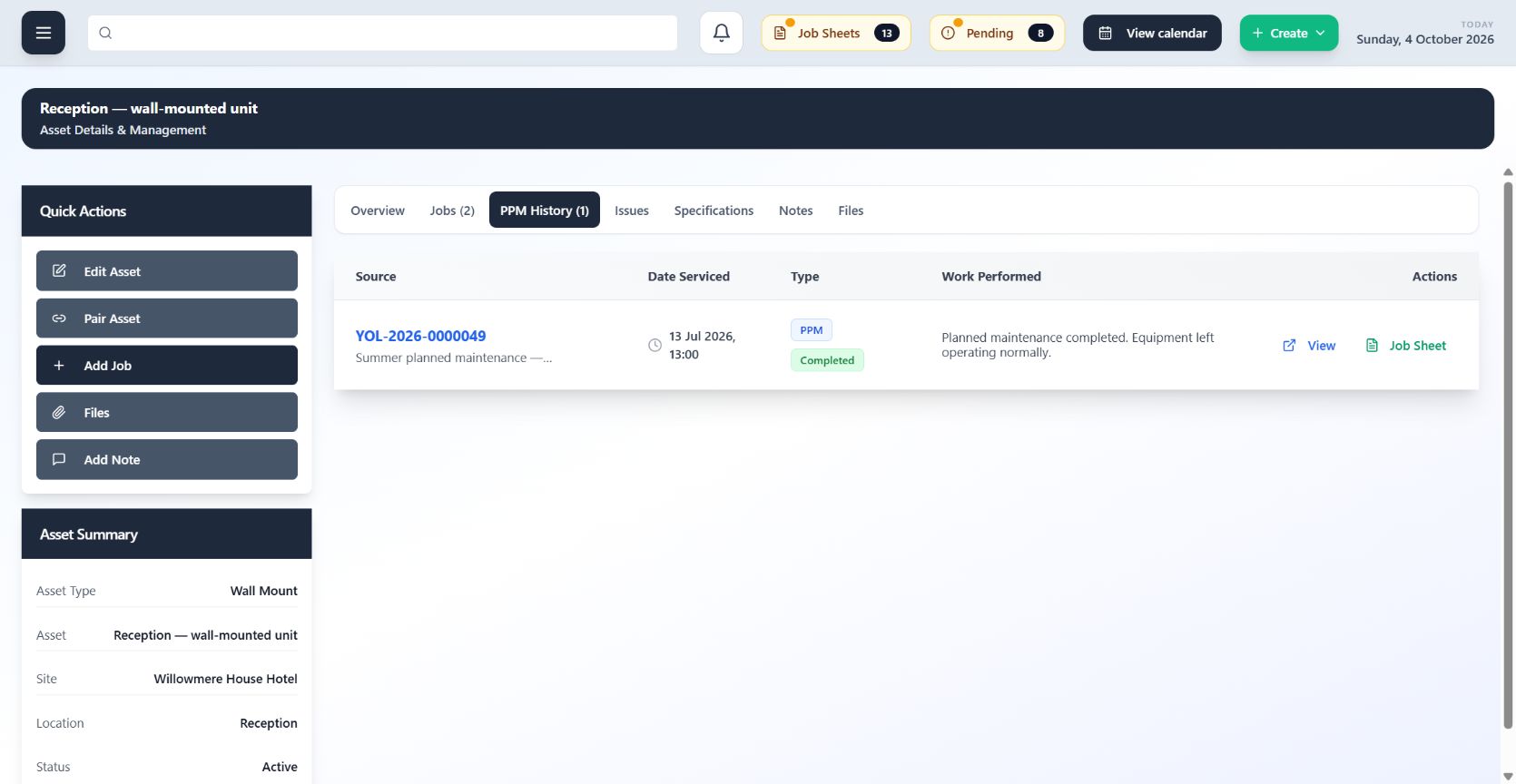
Keep equipment linked to its site and location, with previous maintenance and job sheets ready to view.
Planned maintenance
Keep track of maintenance visits and the equipment covered, with service records ready for the next visit.
Explore the PPM feature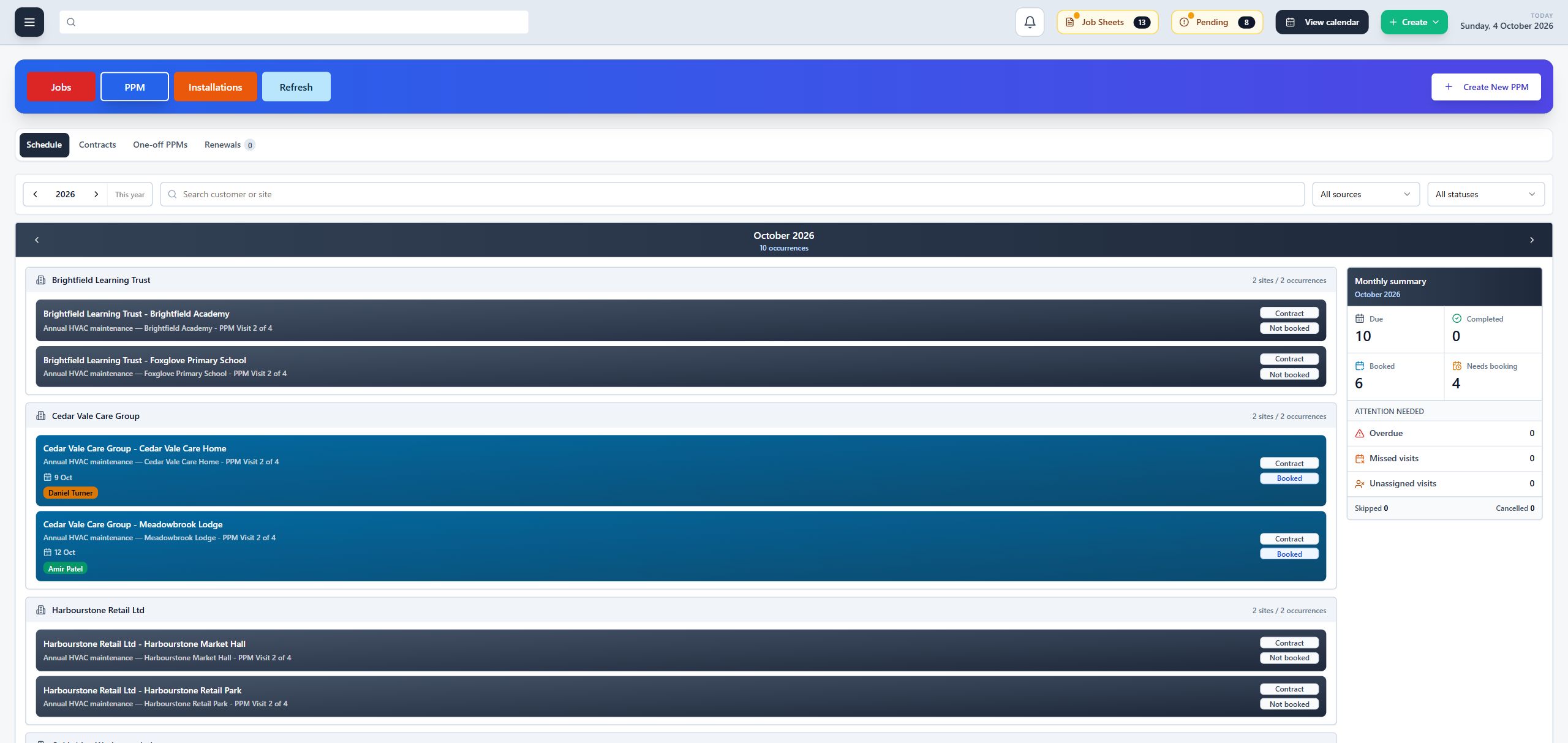
Air conditioning contractors managing reactive jobs, planned maintenance and installations, with office staff and engineers working from the same information.
ClimaticFlow accommodates air conditioning units, air handling units, MVHR systems and refrigeration systems. It also supports custom assets and custom workflows to suit the equipment you maintain and the way your team works.
Yes. Manage reactive jobs, planned maintenance and installations, with customer, site and equipment details available for each visit.
Engineers complete digital job sheets with notes, readings and photos. The office can review the completed work and arrange any follow-up.
Yes. We’ll tailor the demo to the jobs you handle and how your office and engineers work.
We’ll show you how it works using the jobs and maintenance visits your team handles.
Book a demo